Note: the first draft was written on 2019/07/25, so some content may no longer be accurate.
What Is Blender
Quoted from 斑斓中国:
BLENDER is an open-source, free, cross-platform all-in-one 3D animation creation software.
Blender covers the entire pipeline: modeling, sculpting, rigging, particles, dynamics, animation, interaction, materials, rendering, audio processing, video editing, motion tracking, compositing, etc. It uses python as its built-in scripting language, supports yafaray renderer, and is free for commercial creation.
Quoted from the Blender website:
Blender is the free and open source 3D creation suite. It supports the entirety of the 3D pipeline—modeling, rigging, animation, simulation, rendering, compositing and motion tracking, even video editing and game creation.
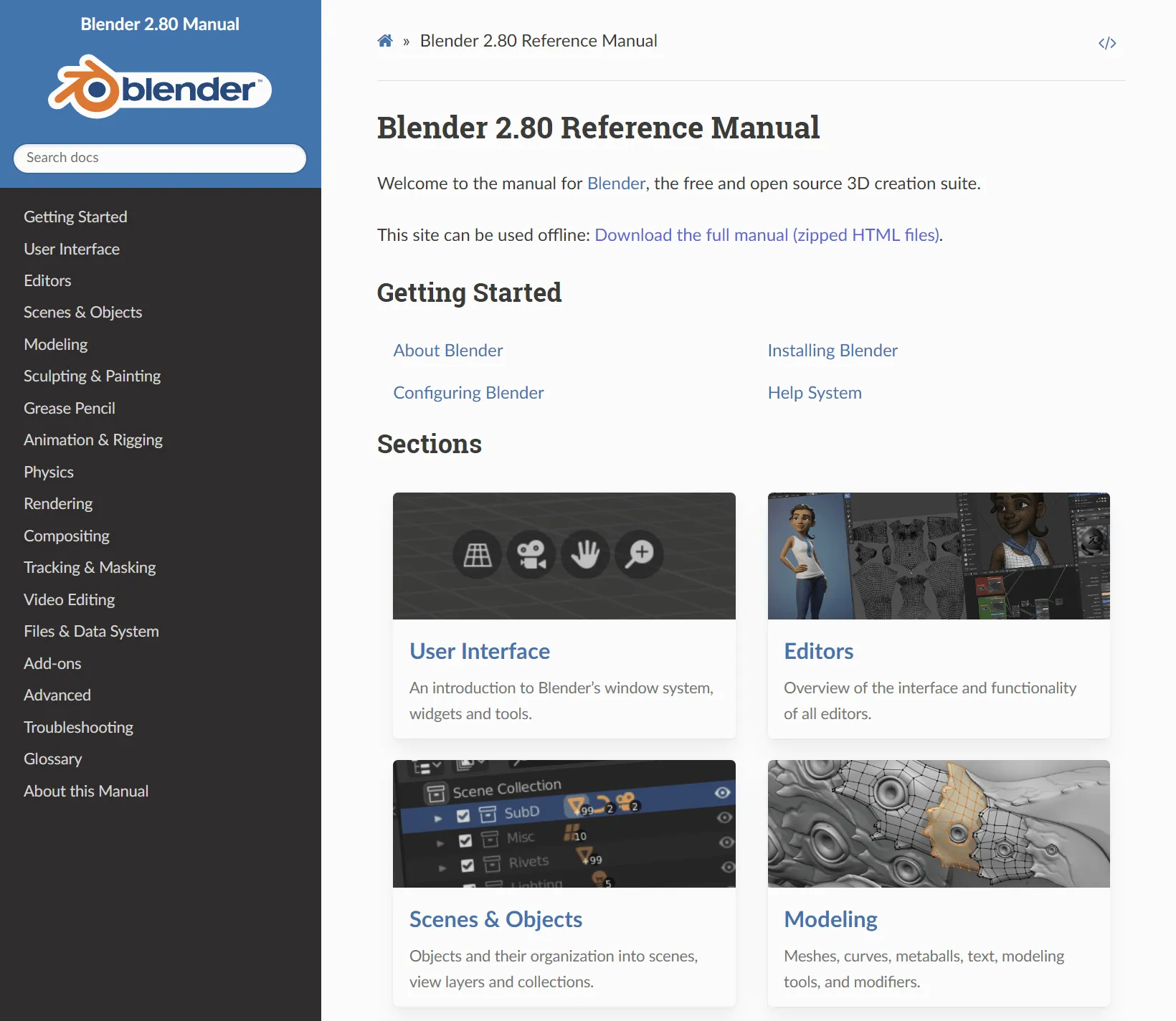
If you want to know more about Blender, see the official manual section 关于Blender.
(It’s one of the most comprehensive intros. Reading Blender’s history also shows how it differs from other commercial tools.)
Official Docs
Blender has detailed official documentation. Pretty much every Blender feature is documented there.
Also, the BLenderCN汉化组 has been translating the Chinese manual. As of 2019/08/05, 73% of the 2.80 manual was translated.
(2019/09/14 update: the official documentation translation is completed.)
When you hit an issue, check the official docs first. It’s often faster than asking in a chat group.
Chinese Resources
If you want to get started with Blender, Chinese resources can be a good start.
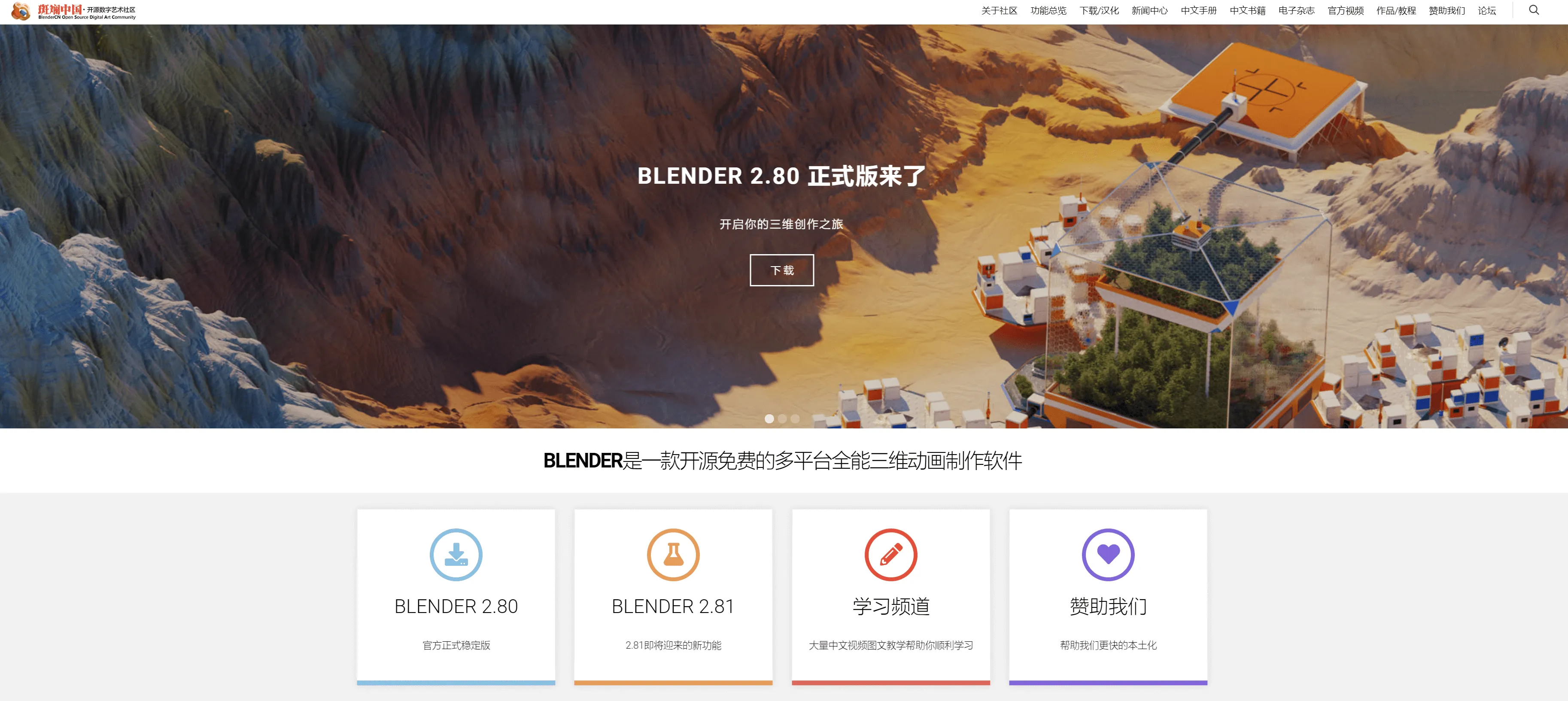
- 斑斓中国 链接
An official Blender-certified community, focused on Blender localization and promotion.
They translate Blender UI/docs, create tutorials, and publish an e-magazine (monthly: 斑斓视界, already up to issue 9).
作品/教程 is where tutorials are posted.
斑斓视界 is their e-magazine about Blender news, works, tutorials.
You can basically treat 斑斓中国 as a hub for Chinese Blender resources.
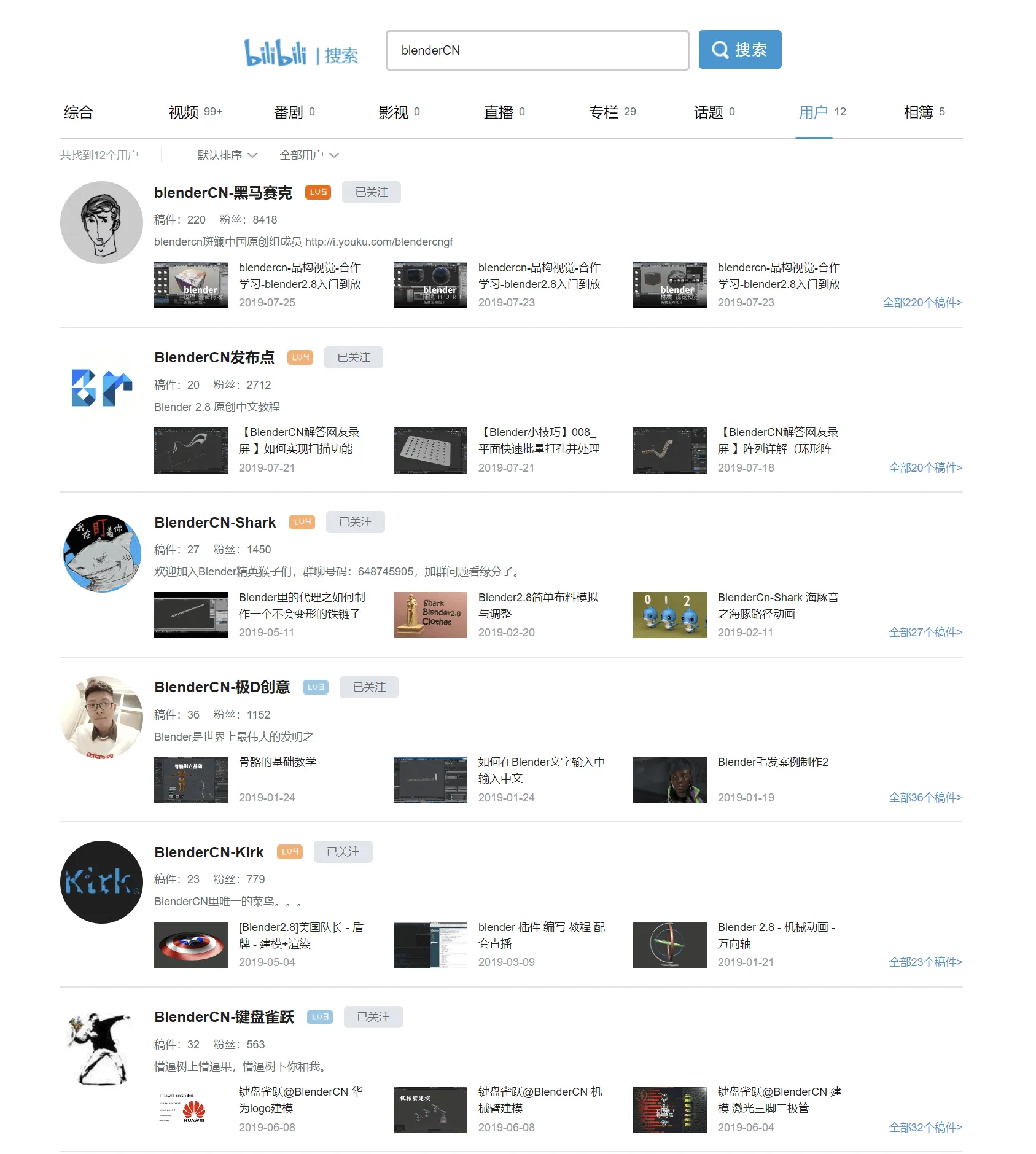
Search “BLenderCN” on Bilibili, these are people from the community.
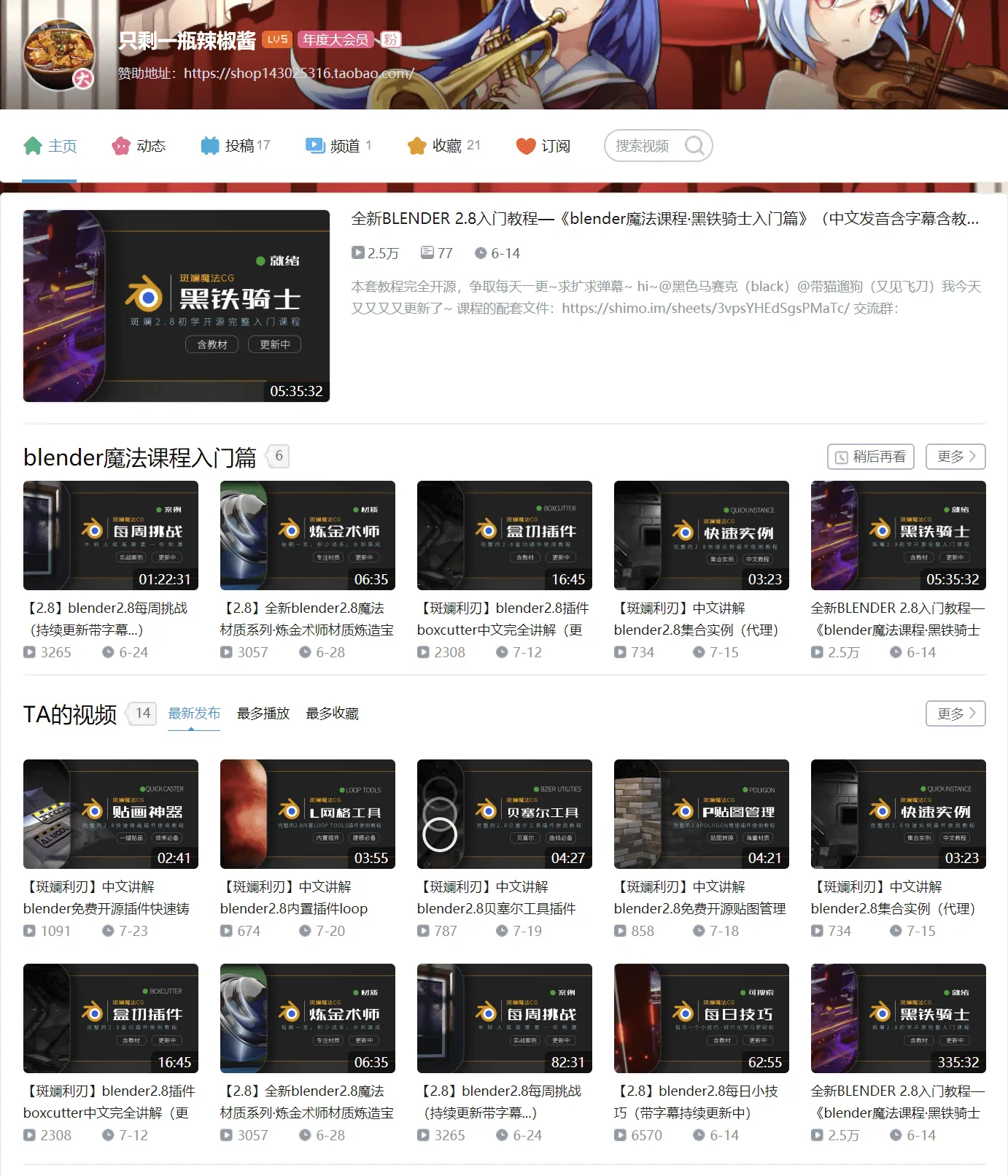
- 只剩一瓶辣椒酱 链接
Bilibili series 《黑铁骑士》, positioned as a Blender 2.80 beginner course (as of 07/25 it had been updating for 40+ days continuously).
《每日技巧》 covers small Blender tips; if you’re stuck, search there.
This creator plans to produce a full set of Blender open tutorials from basic to advanced. Looking forward to it.
-
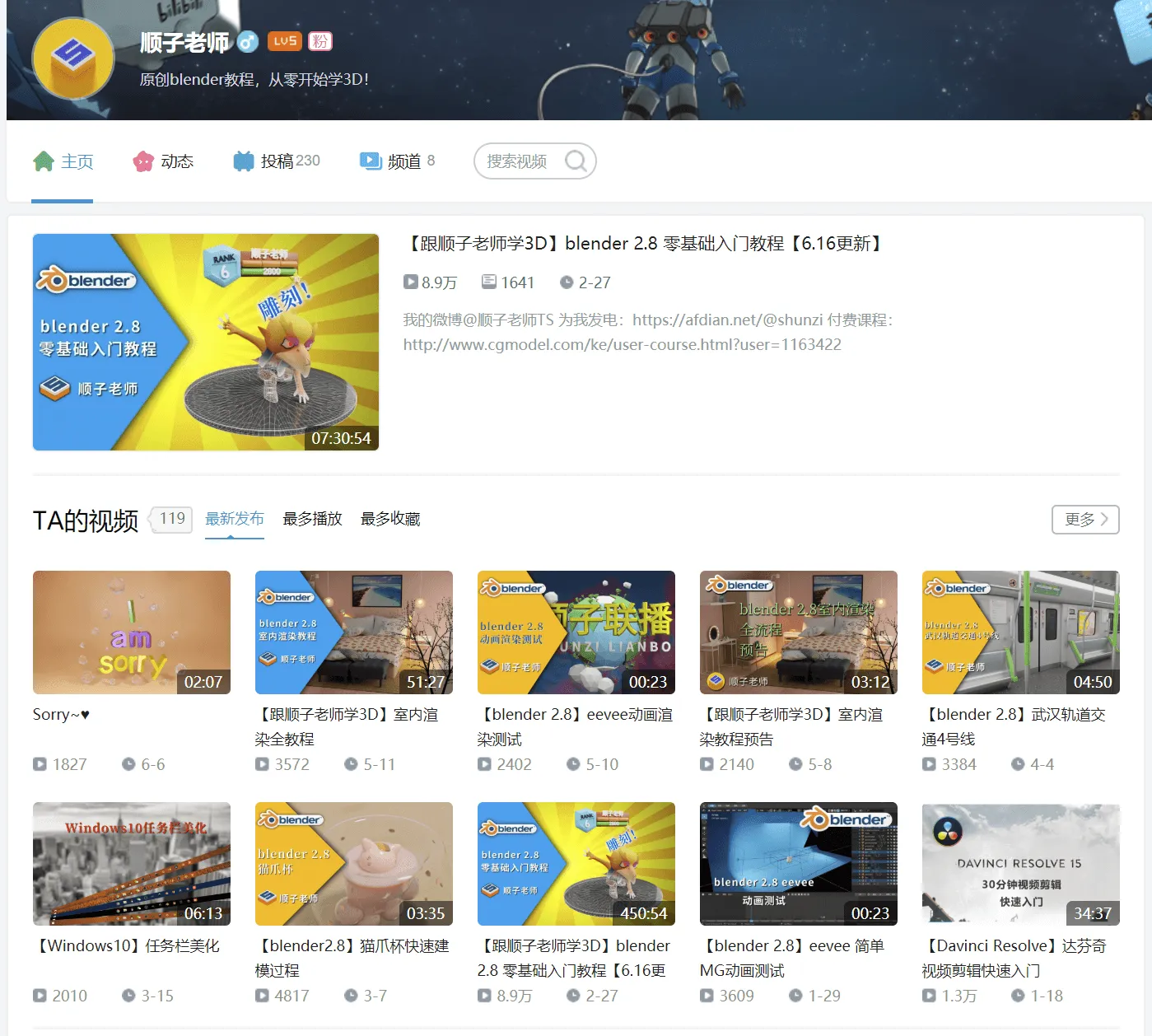
顺子老师 链接
【跟顺子老师学3D】blender 2.8 零基础入门教程 is also good for getting started with Blender.
-
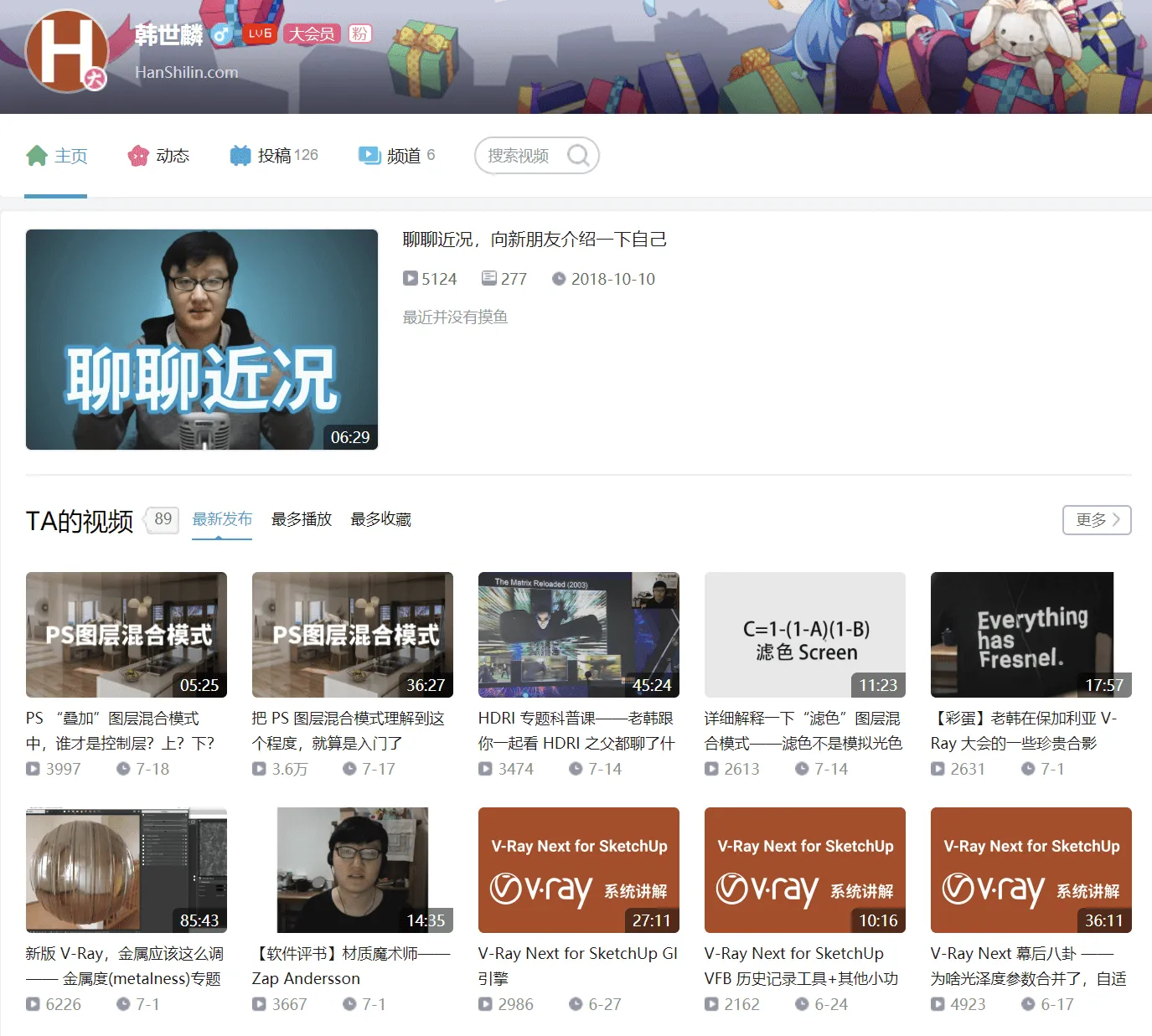
韩世麟 链接
Although not using Blender, this creator focuses on V-Ray. Great at explaining parameters and principles, highly recommended.
-
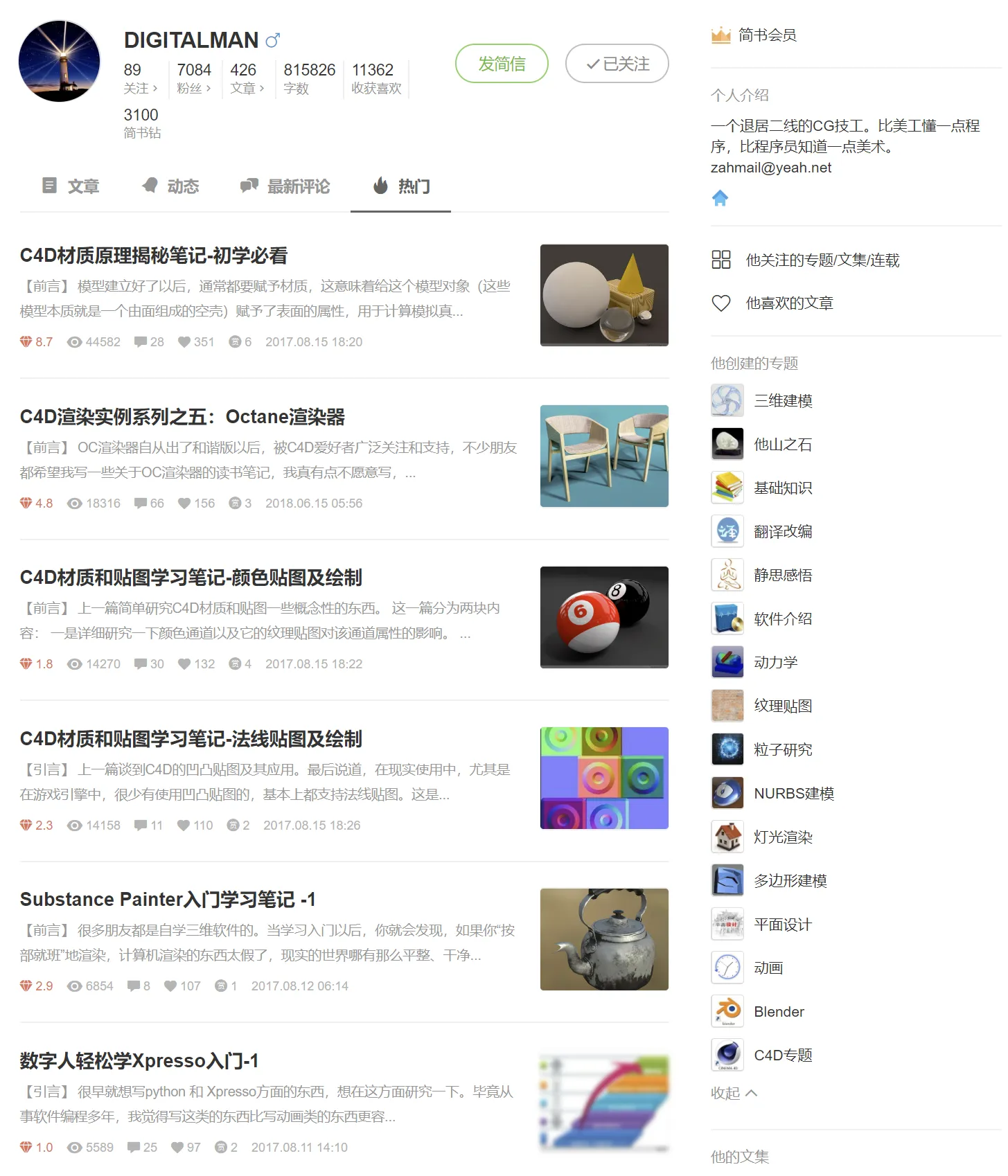
DIGITALMAN 链接
Wrote a series of CG articles covering principles, modeling, materials, rendering, animation, and also researched many mainstream modeling tools/renderers.
-
VFXinfo官方账号 链接
Reposts various CG tutorials; high quality.
English Resources
Blender tutorials are mostly in English. Learning English is important.
08/15 update
Curtis Holt just updated “The BEST Way to Learn Blender 2.8”
It’s a very comprehensive intro: Blender basics, modeling, sculpting, full pipeline, etc. It also includes a roadmap for learning order.
Whether you want self-study, paid courses, free resources, you’ll find options in that video.
Highly recommended09/14 update
Curtis Holt also posted “New FREE Courses for Blender 2.8”
It supplements the previous video with more free Blender tutorials on YouTube.
(Since 2.8 stable finally shipped, many creators rushed to publish updated 2.8 tutorials.)
Below is the original content.
-
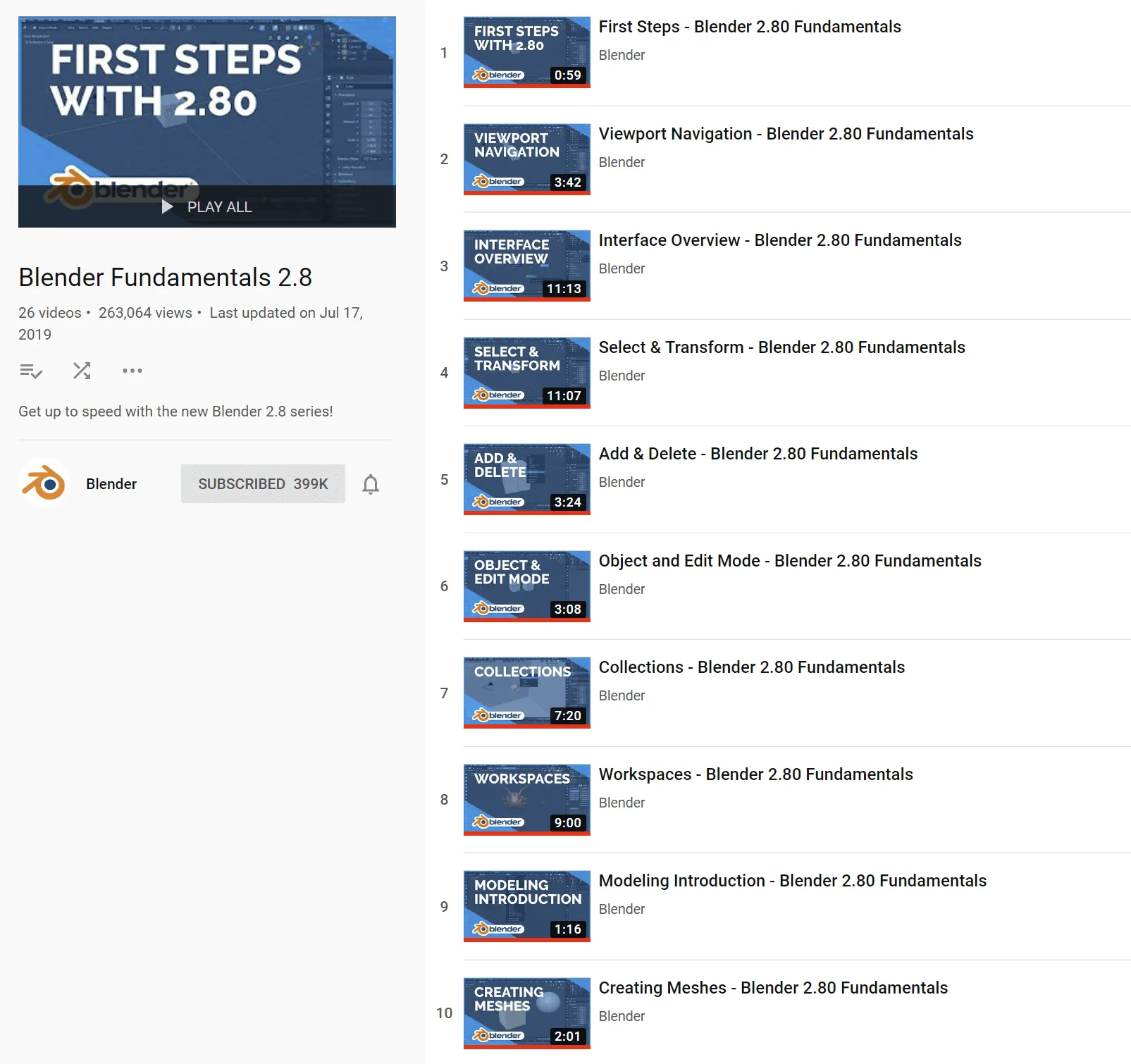
Blender Fundamentals 2.8 链接
Official beginner tutorials by Blender.
Detailed and authoritative.
-
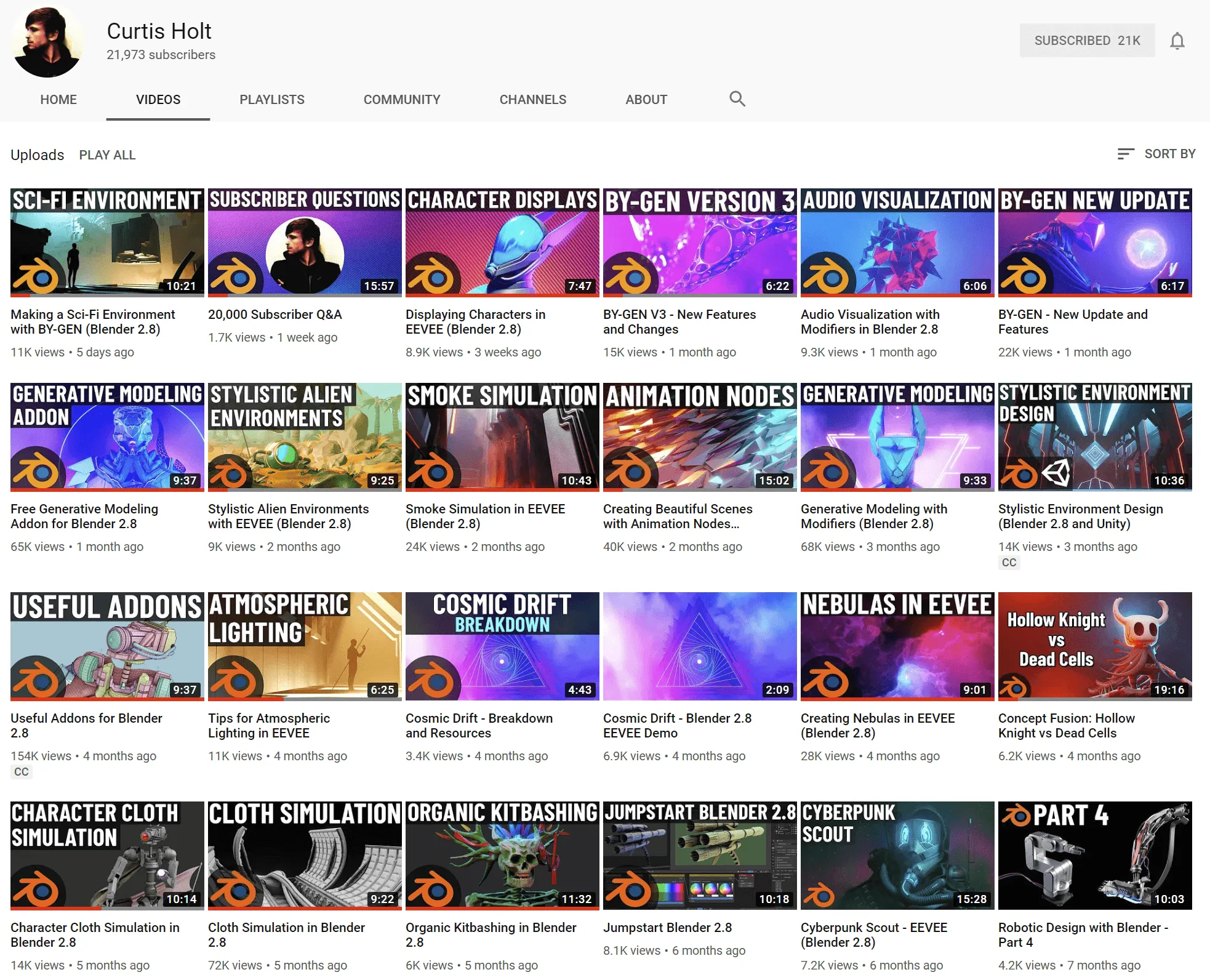
Curtis Holt 链接
A creator who can code and do Blender. Offers free tutorials, project files for download, and even free plugins.
Just go watch.
-
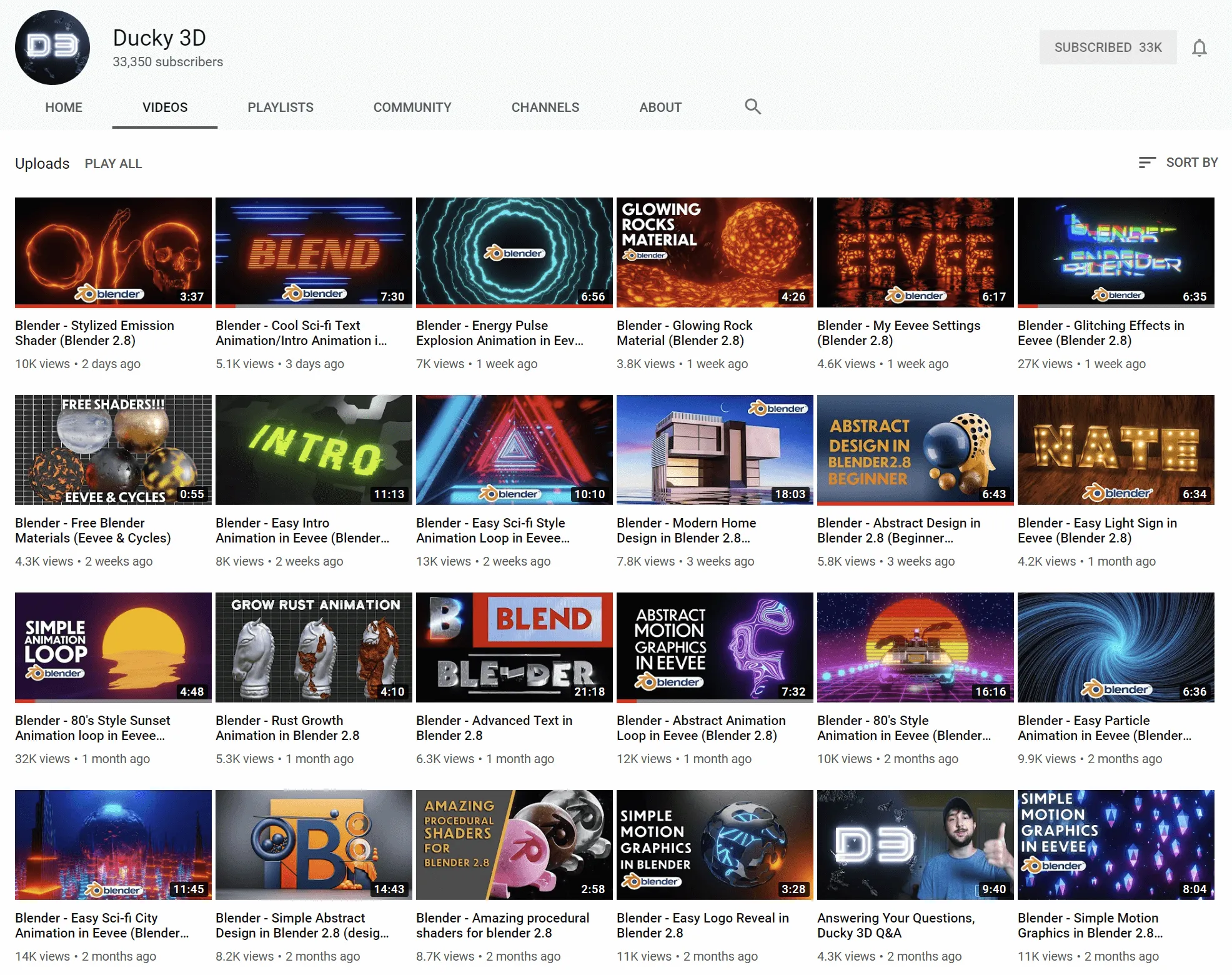
Ducky 3D 链接
Many short case studies: modeling, materials, animation. Following along feels rewarding.
-
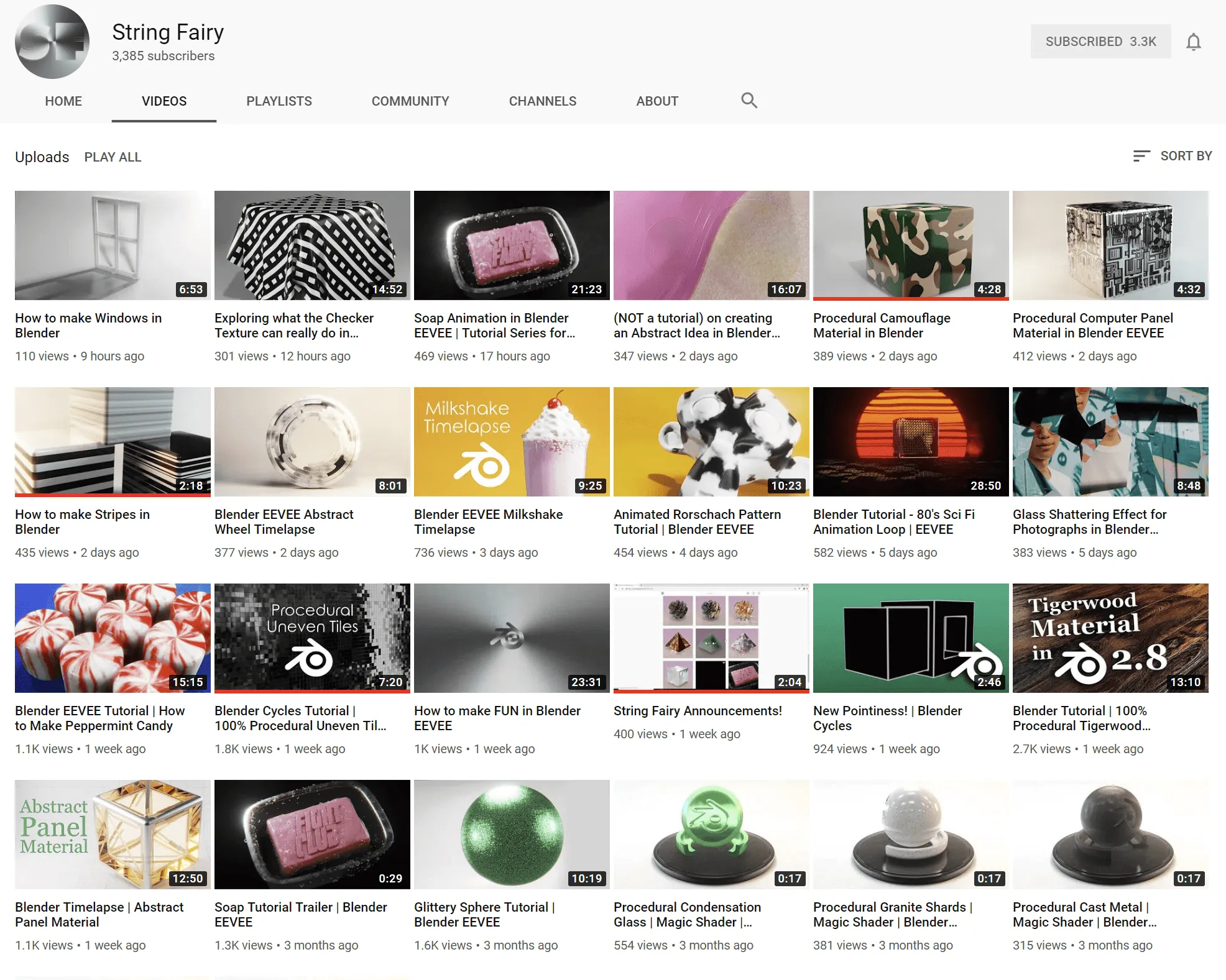
String Fairy 链接
Procedural materials. People call it “Black Magic”. Feels like they use nodes properly, while I just play connect-the-dots.
-
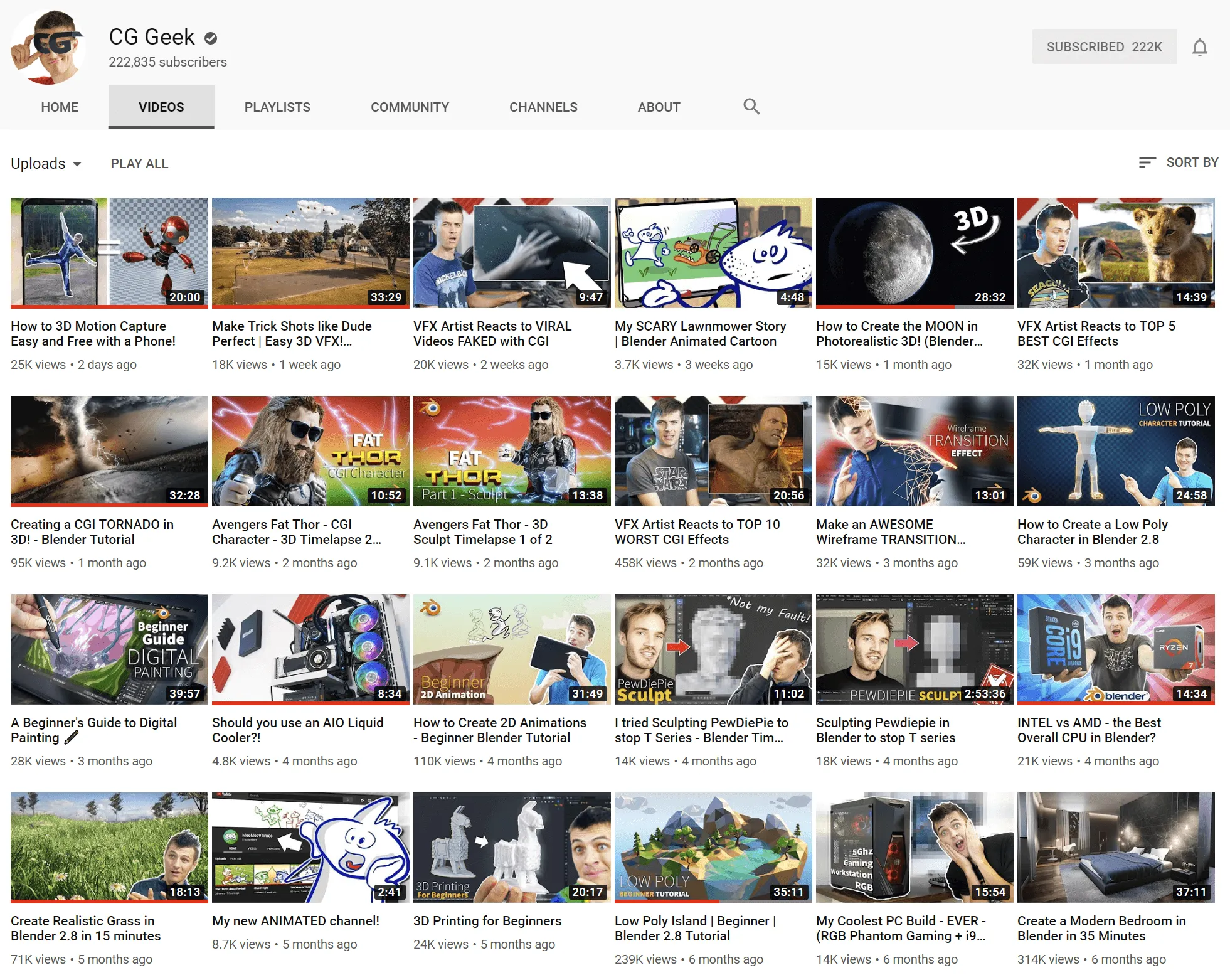
CG Geek 链接
An all-around creator. Tutorials usually start at 30 minutes (recently shorter, maybe to make it less overwhelming).
-
There are many more: YanSculpts, blenderBinge, Blender Guru, etc.
If you watch Blender tutorials on YouTube, the algorithm will naturally recommend more. No need to hunt too hard.
Additions
These are just the resources I watch often. There must be omissions.
I’ll keep updating this post from time to time with Blender resources I find valuable.
-
08/05 update
- Added intro content in
What Is Blender - Added
Official Docs - Added Blender official fundamentals in
English Resources
- Added intro content in
-
08/11 update
- Added DIGITALMAN (Jianshu) in
Chinese Resources
- Added DIGITALMAN (Jianshu) in
-
08/15 update
- Added more intro content in
What Is Blender - Added some links in
Chinese Resourcesfor easier jumping - Added Curtis Holt learning guide in
English Resources
- Added more intro content in
-
09/14 update
- Updated translation progress in
Official Docs - Updated Curtis Holt Blender learning guide in
English Resources
- Updated translation progress in
-
2020/08/03 update
- Added VFXinfo in
Chinese Resources
- Added VFXinfo in
Off Topic: Why Blender
- Open source
- free (freedom + free as in beer)
- Powerful
- EEVEE realtime rendering
- Node editor
- Beautiful 2.80 UI
- Active community
- (Will add more if I think of them
Below is an extremely subjective Blender vs other software comparison from a total beginner who had been in 3D for less than half a year:
- Blender VS C4D: c4d和Blender哪个好用,有什么区别吗? -知乎
- Blender VS Maya: Blender制作《流浪地球》创意总监采访 CG世界特邀嘉宾-王磊
Software is just a tool. You can get started in a week, but the core skills of this field are modeling (objects, environments, creatures), materials, lighting, rendering, etc.
I’m just picking my favorite tool to start the journey.
Hope this helps anyone who wants to learn 3D.
Let’s improve together.
2019/07/25
2020/08/03 update Nodevember
Feel the charm of Blender nodes(?)
Recommendation: Nodevember
Comments