Problem
Today I ran into a weird issue. I chamfered a vertex on a plane and cut a hole. After adding a Subdivision Surface, something looked wrong. After a long time debugging, I found the cause: one vertex normal was flipped.
-
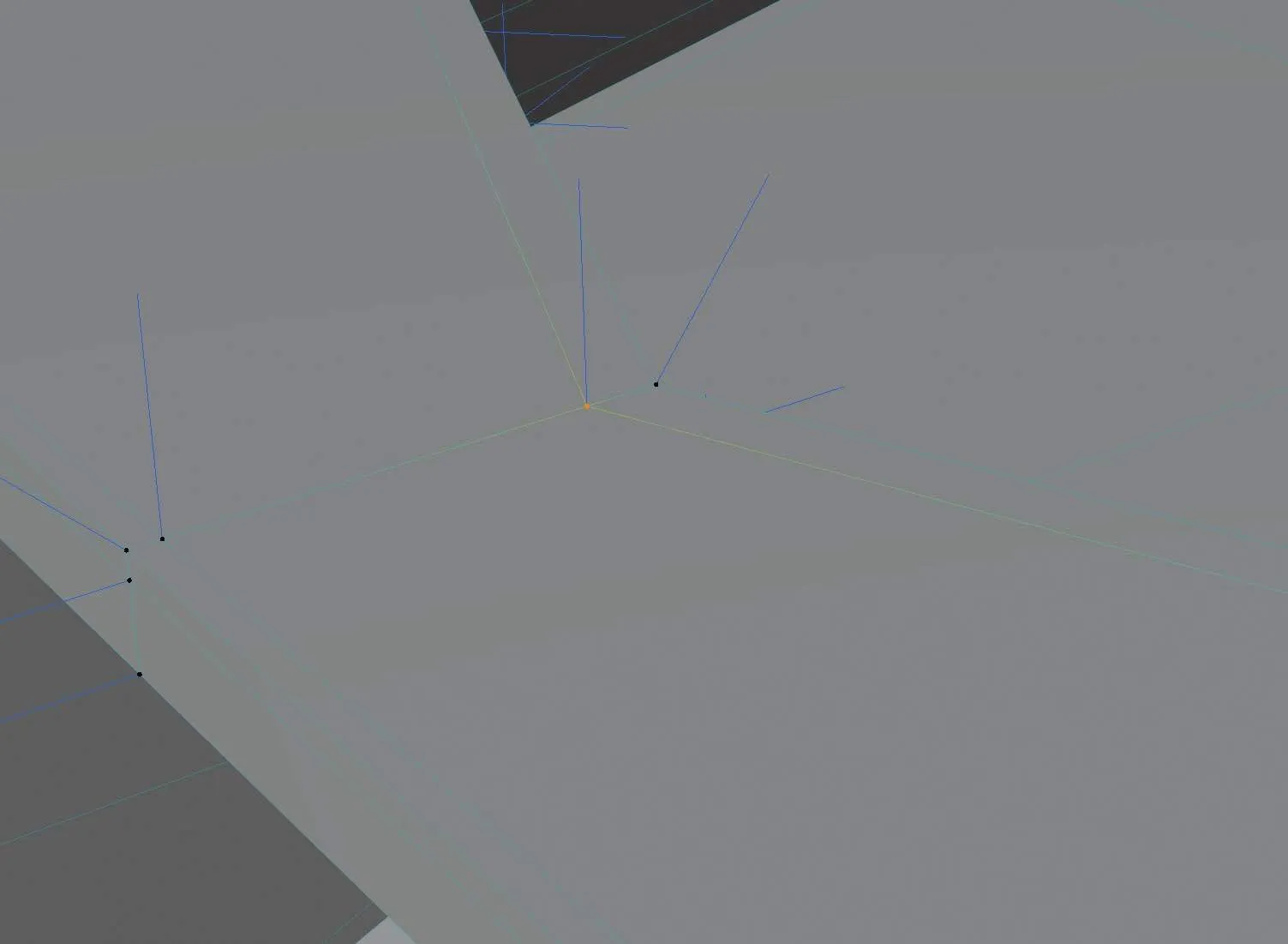
Before subdivision, this vertex normal points upward
-
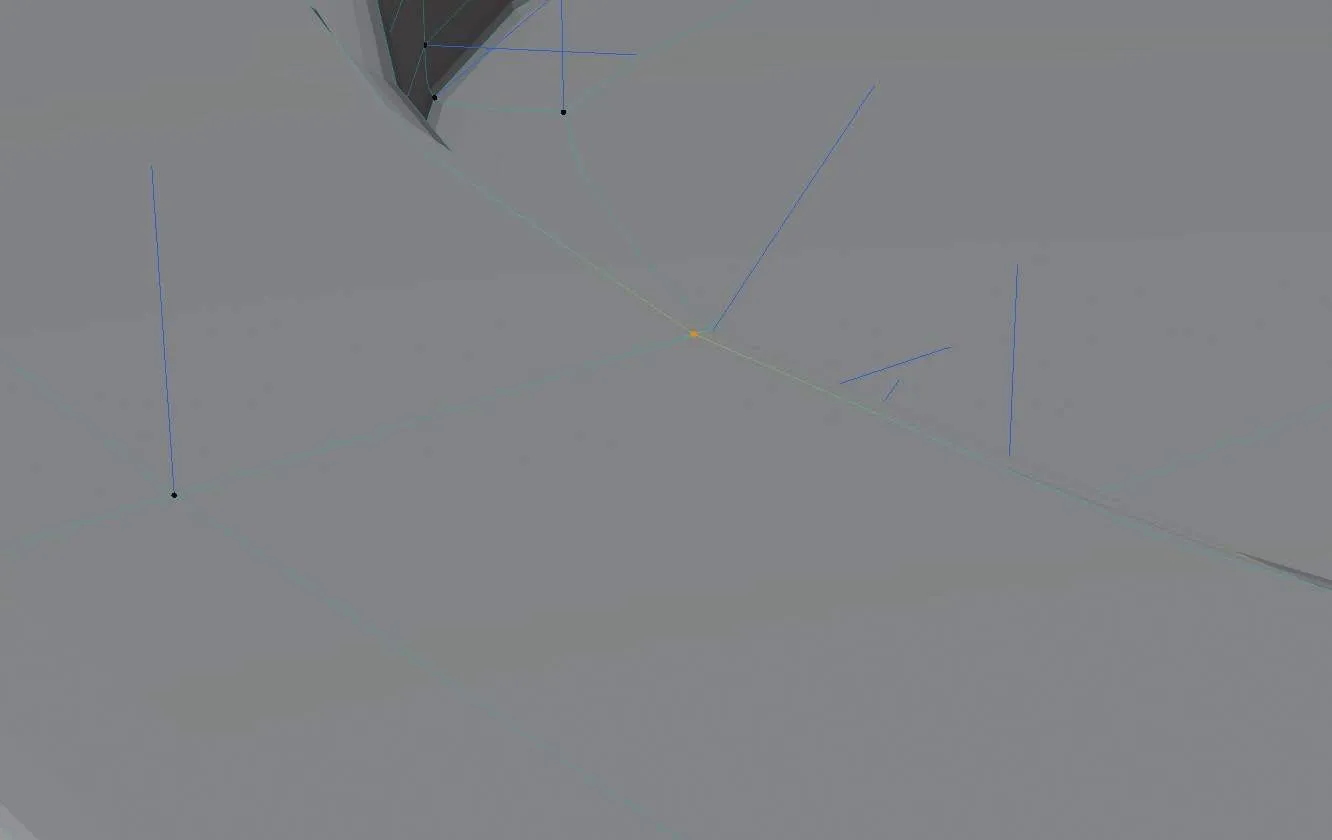
After subdivision, the normal marker disappears
-
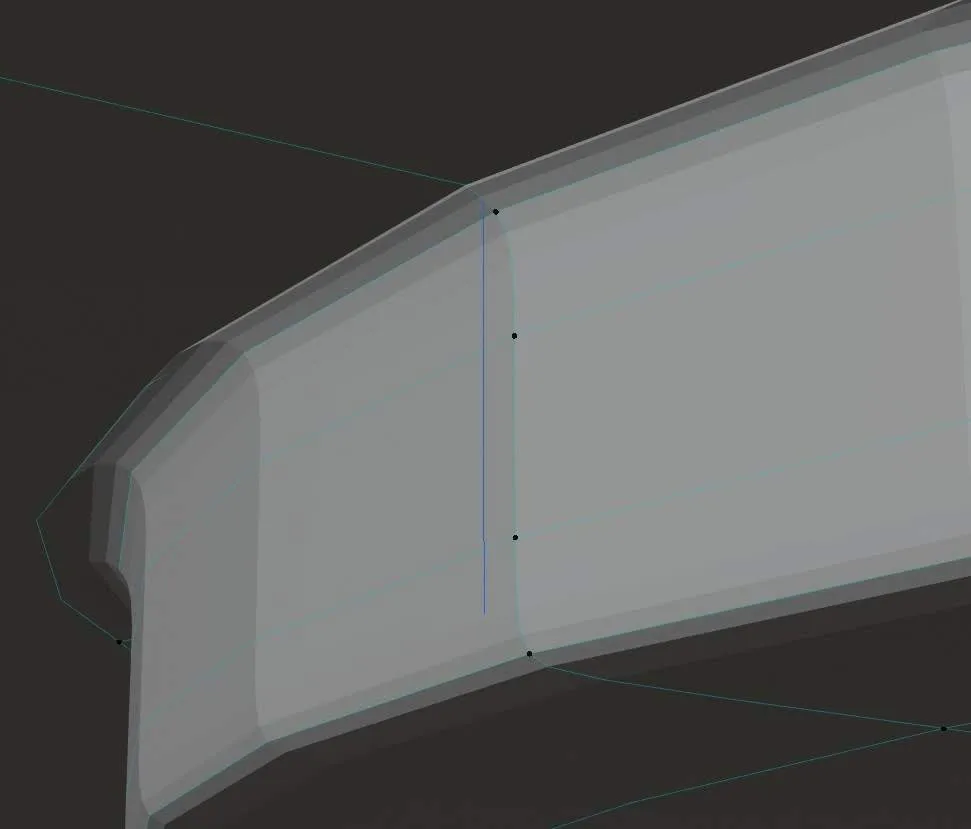
From another angle, you can see the normal went to the underside
-
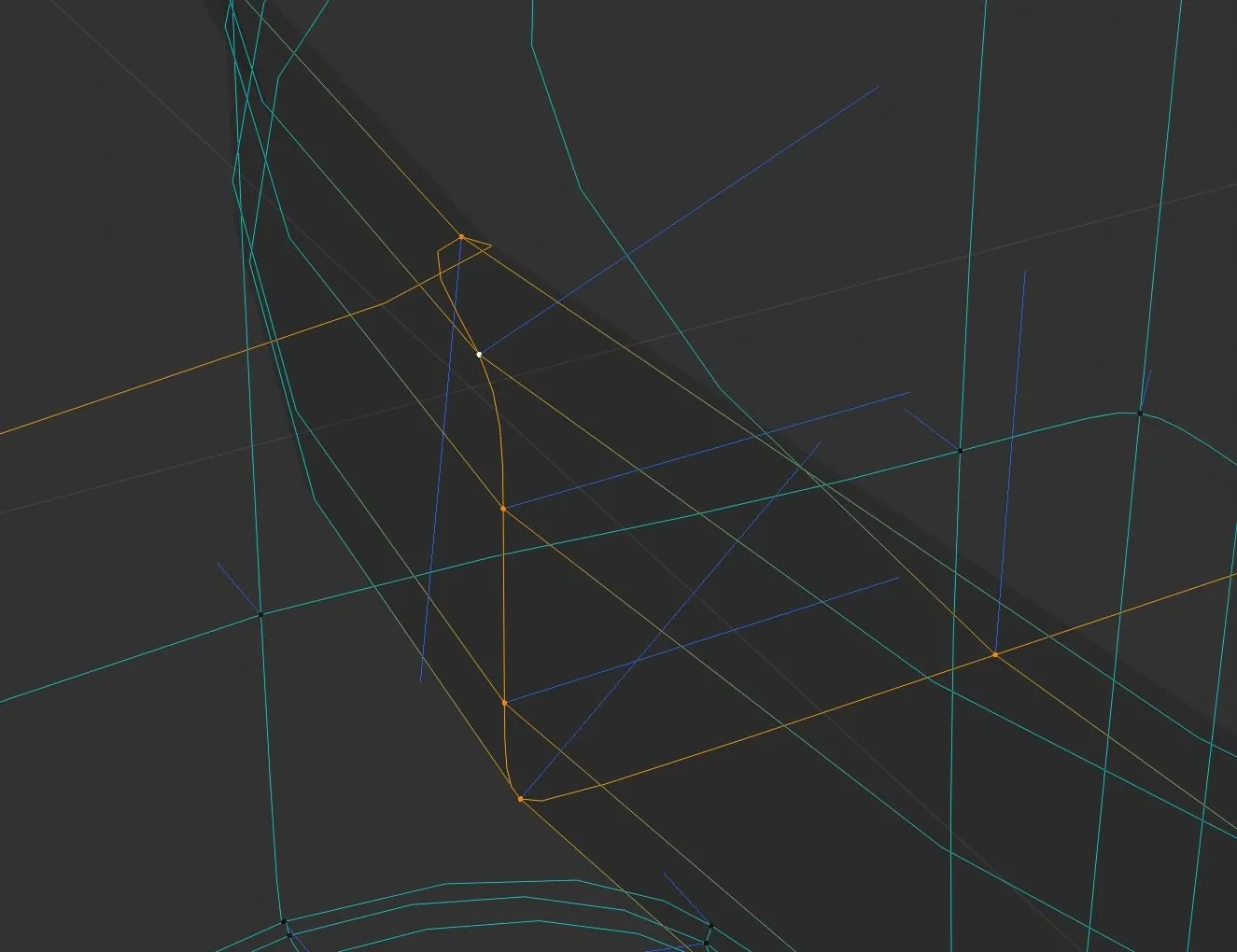
As a result, the curve that should smoothly go downward makes a loop in the middle, which breaks the subdivision surface
Solution
This bug bothered me for a while. In the end I realized I simply forgot to convert it to quads… I’m such a noob.
Comments